
Adapting to the Corporate Security Maze as a Developer
As corporate security tightened—removing admin rights and restricting cloud access—I had to rethink how I work. This is the story of the small development machine, an RDP connection, and the workflow that kept me productive.
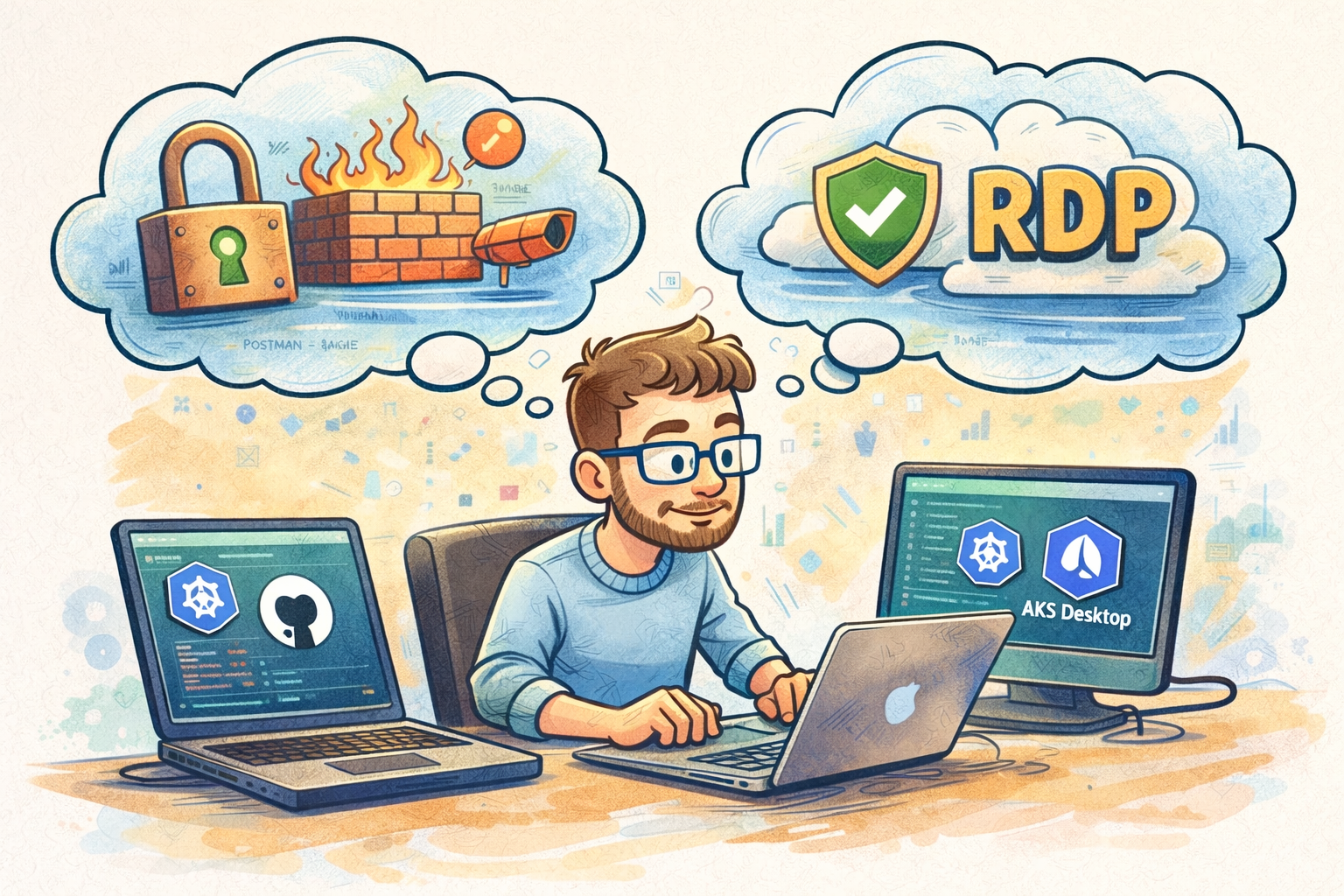
One of the interesting challenges of working in a growing organization is that the more successful the company becomes, the more necessary security controls become.
And while those controls are important, they can create friction for developers whose job depends on flexibility and experimentation.
Over the past year or so, I’ve found myself gradually adapting my workflow as our company’s security posture has evolved. None of the changes have been unreasonable on their own, but each new restriction forces you to think creatively about how to maintain an efficient development environment.
This post is about some of the adjustments I’ve made along the way.
The End of Default Admin Rights
The first major change happened when our laptops had administrator rights removed by default.
This is a very common shift for companies that are tightening their security posture. Running daily work under administrative privileges creates a lot of risk.
Fortunately, our IT team implemented a tool that allows us to request temporary admin privileges when necessary. The request is audited, but in our case IT configured it to auto-approve most requests.
This approach works well conceptually:
- Spend most of the day in a non-admin context
- Elevate only when necessary
- Maintain an audit trail
In practice, though, development tools have a habit of asking for elevated privileges at the most inconvenient moments.
The Postman Firewall Problem
One example that illustrates the friction pretty well is Postman.
Nearly every time I open Postman, it auto-updates itself. Immediately after updating, it requests a firewall change.
Normally this would be trivial — just approve the prompt.
But when you’re running without admin rights, the workflow becomes… awkward.
If I didn’t already initiate an admin session before launching Postman, the firewall prompt appears but I can’t approve it.
So the process looks something like this:
- Launch Postman
- Postman updates itself
- Windows prompts for firewall change
- I can’t approve it because I’m not elevated
- Cancel the prompt
- Close Postman
- Request admin access
- Re-launch Postman
- Hope it asks for the firewall change again
Most of the time it doesn’t.
Then I’m left trying to figure out what firewall rule it wanted to add in the first place.
It’s not a catastrophic problem, but it’s exactly the kind of friction that adds small amounts of overhead throughout the day.
And developers tend to optimize ruthlessly against small repeated inefficiencies.
Creating a Dedicated Development Machine
Eventually I decided to try something different.
I bought a small mini-PC and set it up as a dedicated development machine. The mini-PC I bought is:
MINISFORUM UM880 Plus Mini PC with AMD Ryzen 7 8845HS (8C/16T, up to 5.1GHz), Radeon 780M Graphics 1TB PCIe 4.0 SSD 32GB DDR5, OCuLink, Triple Display with HDMI+DP+USB4, 5xUSB Port,2.5G LAN
Side-note: Months into using this mini-PC, I tried to setup an external graphics card (for AI) and found that the OCuLink port doesn't actually exist. The hold is there in the plastic, but it leads to nothing on the motherboard. Very frustrating.
Importantly:
- It is not joined to the company network
- It runs my development tools freely
- I access it via Remote Desktop (RDP) from my company laptop
This setup turned out to be surprisingly effective.
My workflow now looks like this:
Company Laptop
- Word documents
- SharePoint
- Administrative work
- Meetings
Development Machine
- IDEs
- Containers
- Local builds
- Debugging
- Experimental tools
The separation actually turned into a productivity benefit. It created a very clear boundary between development work and everything else.
The Azure Lock Down
Not long after that workflow stabilized, another change arrived.
Our IT department restricted access to Azure services so that only company-registered devices could connect.
Since my development machine isn’t registered, that meant tools running on it could no longer directly access our cloud resources.
For example, I had been using JetBrains Rider to interact with Kubernetes clusters running in Azure.
That stopped working.
Fortunately, around that same time a new tool called AKS Desktop appeared. I installed it on my company laptop and now use it to interact with Kubernetes clusters instead of Rider.
It’s not exactly the same experience, but it works well enough.
The only scenario where this might become an issue is if I ever needed to attach a debugger directly to a service running in a deployed Kubernetes cluster.
So far, that’s never been necessary.
The Current Setup
At the moment, my workflow looks something like this:
- Company laptop for corporate access and cloud connectivity
- RDP into a dedicated development machine
- Kubernetes access through AKS Desktop on the corporate device
- GitHub access directly from the development machine
It’s not perfect, but it strikes a balance between:
- respecting corporate security controls
- maintaining developer productivity
The Remaining Risks
There are really only two changes that would significantly disrupt this setup.
- Locking down GitHub access to company devices only If our repositories could only be accessed from registered devices, that would break the development machine workflow.This seems unlikely.
- Disabling RDP If remote desktop connections were restricted, it would remove the bridge between my two environments.
Again, neither of these seem particularly likely right now.
Security vs Productivity
None of these changes are unreasonable.
Security matters, especially in industries dealing with sensitive data.
But there’s always a balance to strike.
Developers work best in environments that allow experimentation, tool flexibility, and quick iteration. Security teams work to reduce risk and maintain control.
The interesting challenge is finding workflows that satisfy both.
For me, the mini-PC + RDP approach has turned out to be a surprisingly effective compromise.
And like most engineering problems, the solution wasn’t removing constraints — it was adapting creatively within them.